
Pulsar Axion XQ30 Pro 77506 Thermal Monocular
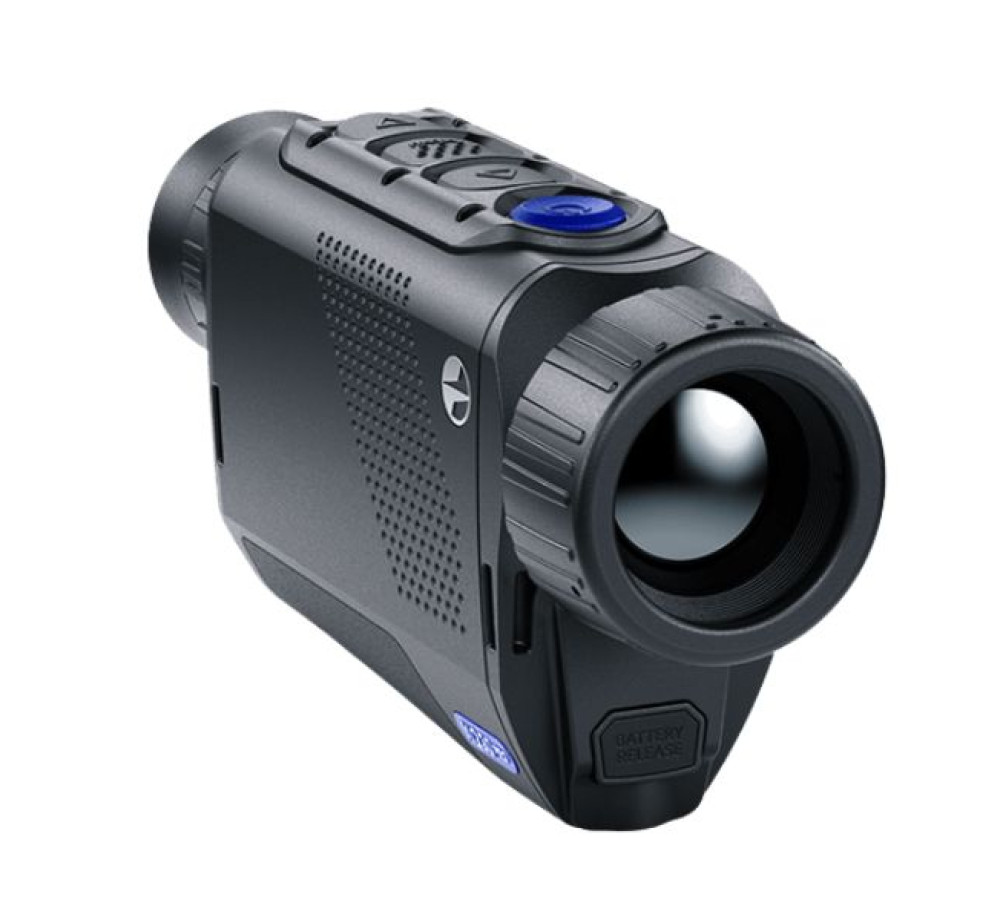
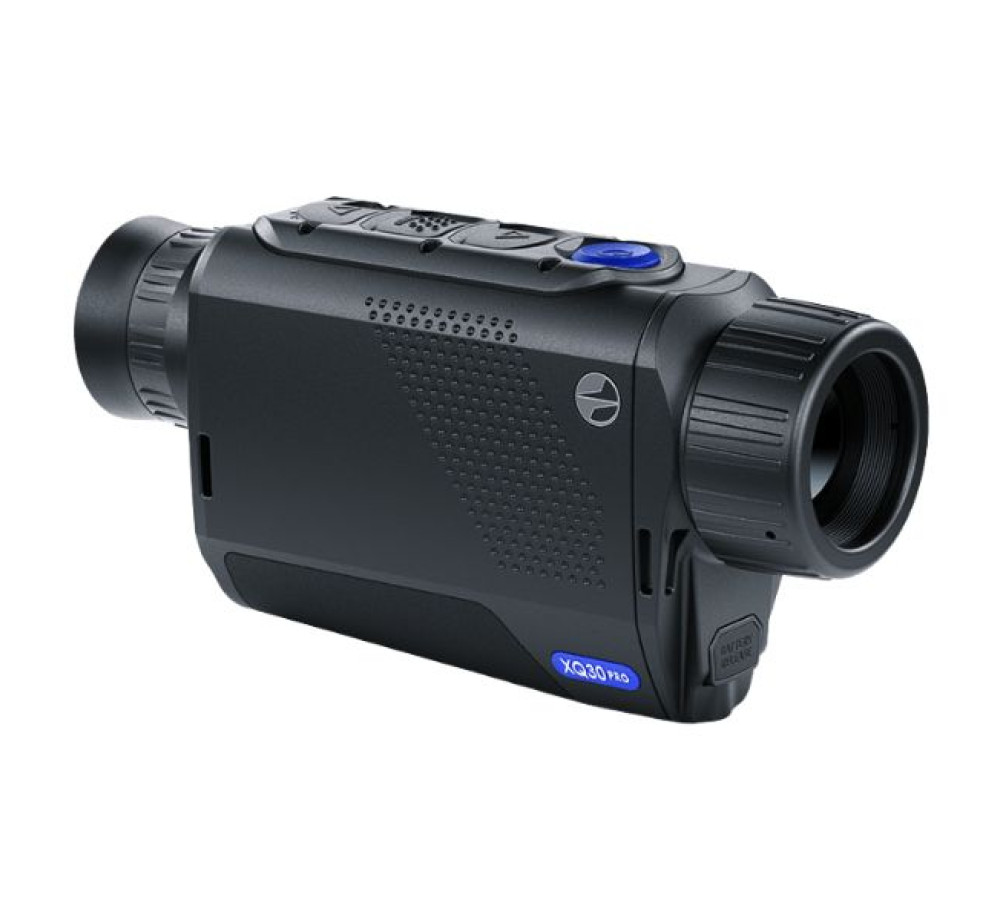
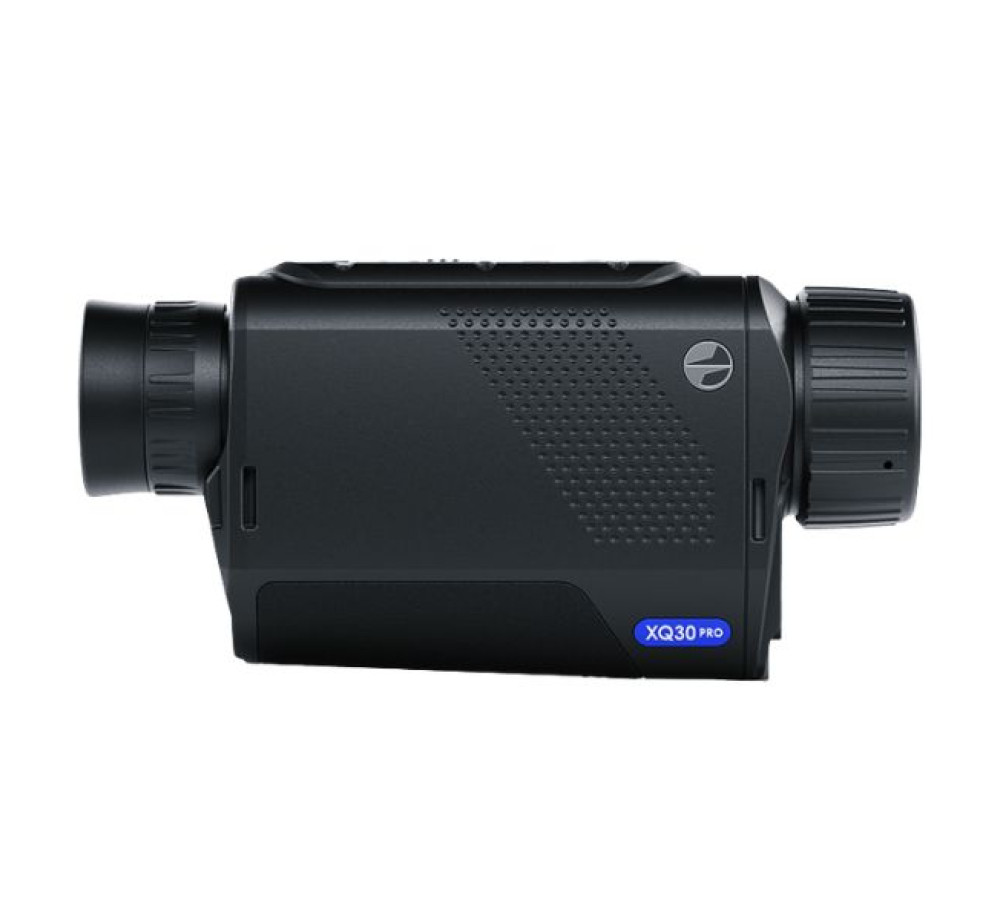
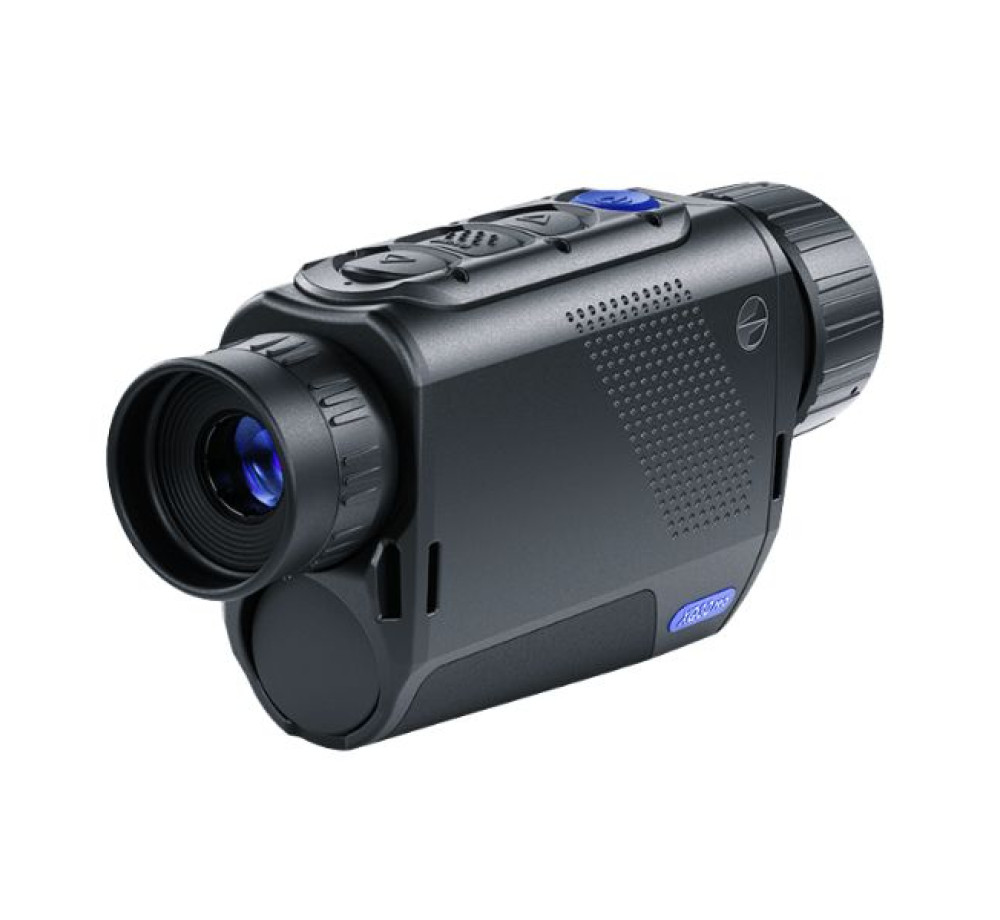
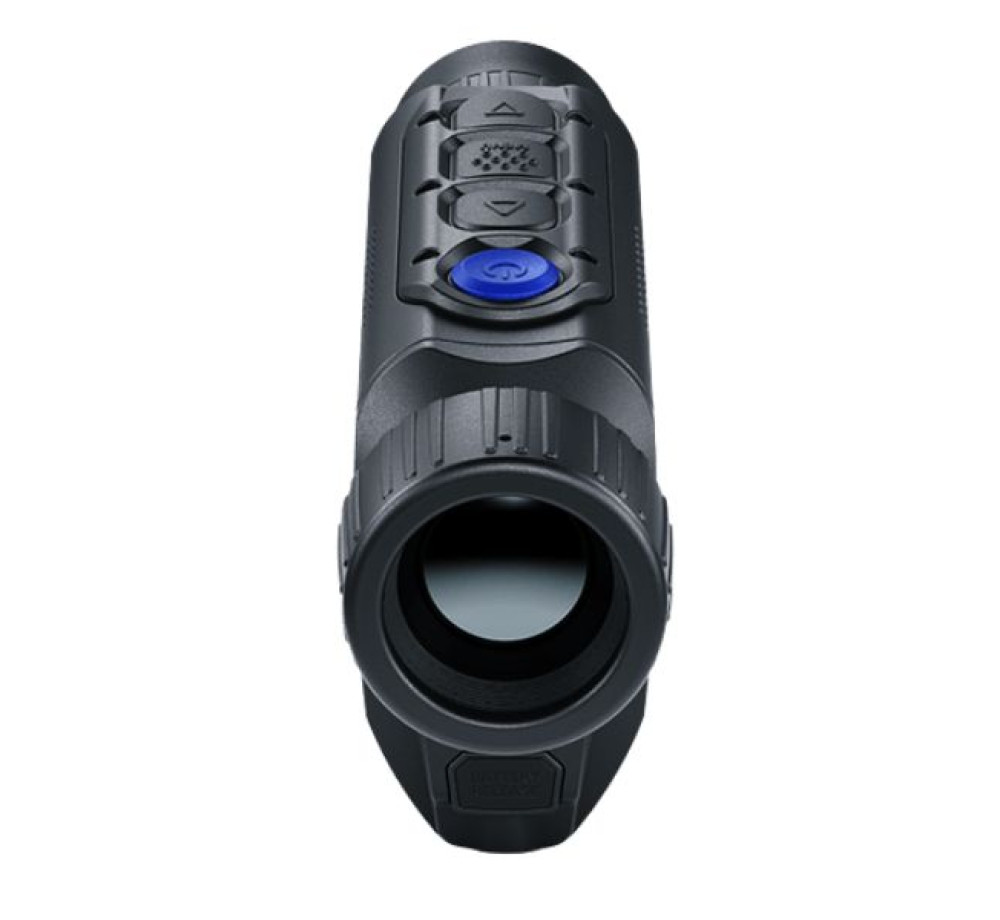
Pulsar Axion XQ30 Pro 77506 Thermal Monocular
- Brand:Pulsar
- Product Code: Axion XQ30 Pro
- Availability: In Stock
990.00 € / 1,936.27 лв.
1,290.00 € / 2,523.02 лв.28 11 2026 03 12 2026
Buy with

Pulsar Axion XQ30 Pro combines a 384×288 / 17 μm sensor, a 30 mm F1.2 lens and 2–8× magnification in a compact magnesium housing. Designed for wildlife observation, scanning terrain and outdoor use by day and in complete darkness.
The sensitivity ratings of Sensor NETD <25 mK and System NETD <20 mK help reveal subtle thermal contrasts. A wide field of view makes heat sources easier to locate, while the weight of 310 g including the battery makes the device a convenient companion on longer walks.

When scanning a meadow, clearing or woodland edge, a comfortable view starts with coverage. The Axion XQ30 Pro's base magnification of 2× keeps a broad area of the scene in view. When needed, increase magnification to 8× or use Picture-in-Picture to examine a selected area.
Low NETD values help distinguish an object from its background when thermal contrast is weak and humidity is high.
Refreshing the image 50 times per second supports comfortable movement tracking and terrain scanning.
At 100 m, you see an area approximately 23.3×17.5 m wide and high — useful for spotting movement at close and medium distances.
A magnified window shows the central area while the main image preserves an overview of the surrounding scene.
A lightweight metal construction for regular carrying and outdoor use, with conveniently positioned top-mounted buttons.
A depleted battery can be replaced with a spare APS3. USB-C also supports external power from a suitable 5 V power bank.
A built-in recorder and 16 GB memory let you save your observations and transfer files afterwards.
Connect to Android and iOS devices for live viewing, remote control of digital functions and firmware updates.
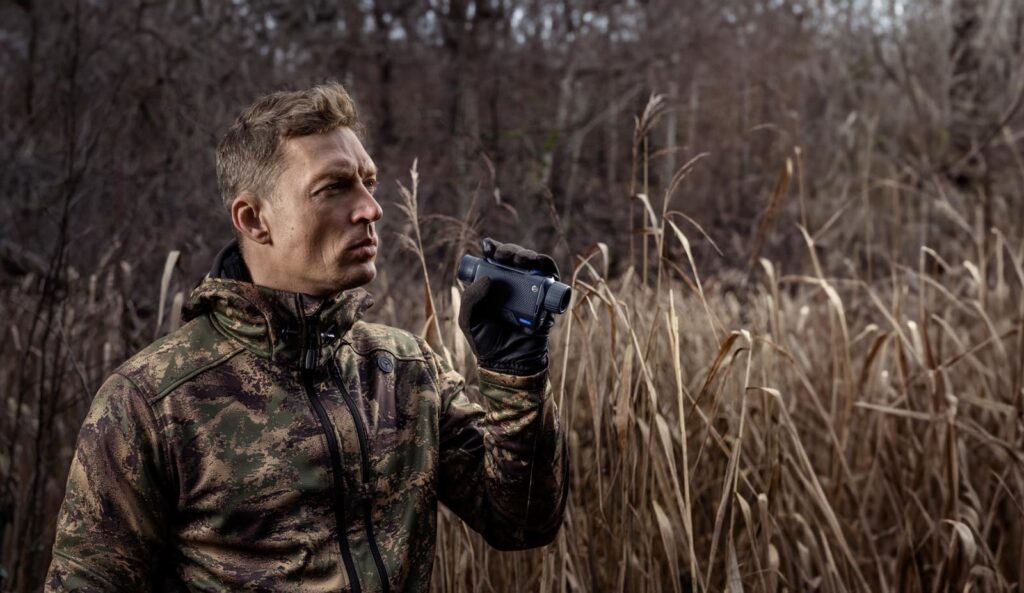
NETD describes the ability to distinguish small temperature differences. On the XQ30 Pro, the sensor rating is below 25 mK, while the complete system rating is below 20 mK.
This is useful in scenes where an animal, the ground and vegetation are at similar temperatures. Normal, High and Ultra settings let you adapt amplification to the conditions.
Thermal imaging detects heat radiation and works without an additional IR illuminator. Rain, fog and dense vegetation affect visibility and the practical observation range.
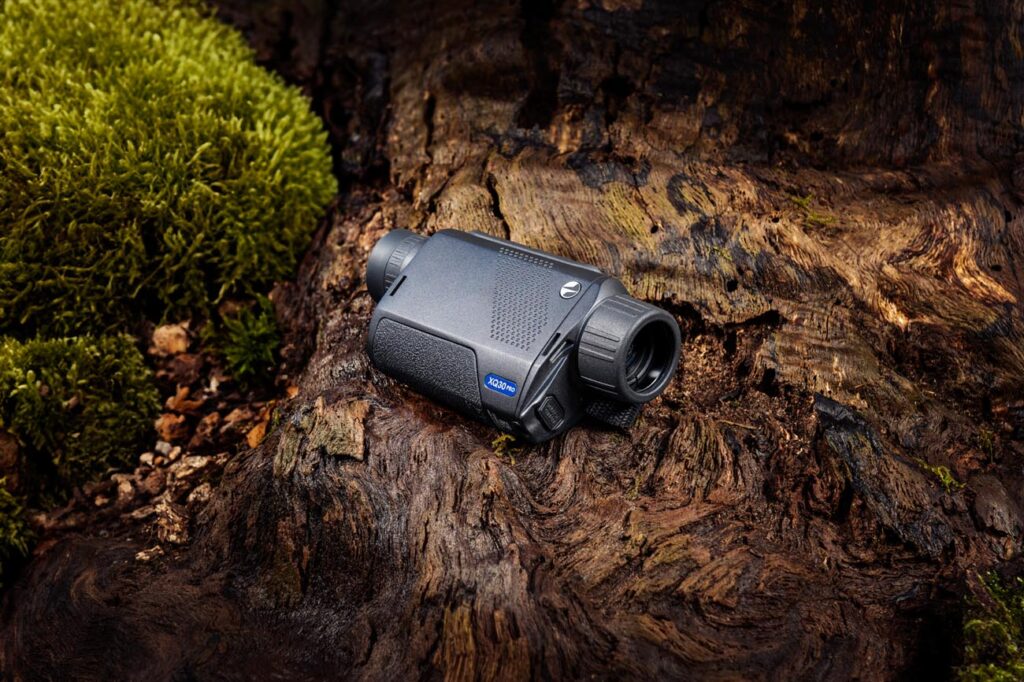
Measuring 144×41×69 mm, the monocular packs easily into your gear. Its symmetrical shape suits either hand, while the wrist strap helps maintain a secure grip.
The IPX7 waterproof rating and operating range of −25°C to +40°C suit changing outdoor conditions. A 1/4″ thread allows use with a compatible tripod for stationary observation.
The removable APS3, 3200 mAh battery provides up to 7.5 hours at 22°C. Actual runtime depends on temperature, Wi-Fi use and recording.
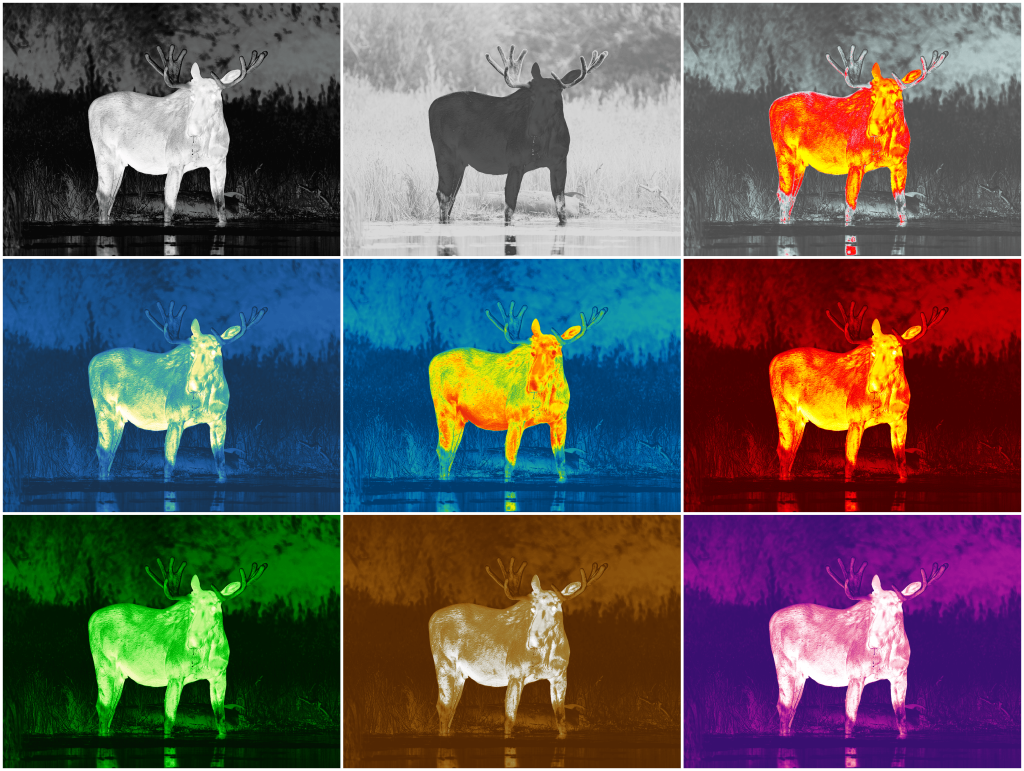
White Hot shows warmer areas in white, while Black Hot shows them in black. Red Hot adds red highlighting, while Rainbow and Ultramarine use different colours to represent thermal contrast.
Green, Red Monochrome, Violet and Sepia offer further choices to suit your comfort and ambient light. Adjust brightness and contrast for relaxed, extended viewing.
With Firmware 3.0.0, there are 9 palettes, including Green. Devices with earlier software can be updated through Stream Vision 2.
Normal, High and Ultra suit different scenes. The smoothing filter helps reduce digital noise.
User Mode retains your preferred brightness and contrast when changing palettes. Display Dimming reduces overall screen brightness.
Updated firmware supports Bulgarian for easier access to the menu and main settings.
Using 2.4 / 5 GHz Wi-Fi and Stream Vision 2, you can view the image on a compatible smartphone or tablet, transfer files and check for updates. The app is available for Android and iOS.
Capture JPG photos and MP4 video, with audio recording available.
Firmware 3.0.0 increases recording resolution to 960×600. The thermal sensor's physical resolution remains 384×288.
Firmware 3.0.0 also supports video output over USB Type-C to a compatible external device.
An official introduction by Pulsar Vision covering the design, purpose and main capabilities of this compact thermal monocular.
| Parameter | Value |
|---|---|
| Brand / model | Pulsar Axion XQ30 Pro |
| Manufacturer code | 77506 |
| Device type | Handheld thermal imaging monocular |
| Detector | Uncooled microbolometer |
| Sensor resolution | 384×288 pixels |
| Pixel pitch | 17 μm |
| Sensor NETD | <25 mK |
| System NETD / sNETD | <20 mK |
| Refresh rate | 50 Hz |
| Objective lens | 30 mm F1.2 |
| Base magnification | 2× |
| Total magnification | 2–8× |
| Digital zoom | Up to 4×; steps of 1× / 2× / 4× |
| Field of view, horizontal × vertical | 13.3°×10° |
| Field of view at 100 m | 23.3×17.5 m |
| Minimum observation distance | 3 m |
| Maximum detection range | 1050 m for a deer-sized object |
| Dioptre adjustment | −5 to +4 D |
| Eye relief | 14 mm |
| Exit pupil | 4 mm |
| Display | AMOLED, 640×400 pixels |
| Colour palettes | 9 with Firmware 3.0.0, including Green |
| Image amplification | Normal / High / Ultra |
| Calibration | Manual / semi-automatic / automatic |
| Picture-in-Picture | Yes |
| Distance estimation | Stadiametric, based on a preset object size |
| Photos / video / audio | Yes / yes / yes |
| Photo and video resolution | 960×600 pixels with Firmware 3.0.0 |
| Formats | JPG / MP4 |
| Internal memory | 16 GB |
| Wi-Fi | 2.4 / 5 GHz; IEEE 802.11 b/g/n/ac |
| App | Stream Vision 2 for Android / iOS |
| USB-C video output | Yes, with Firmware 3.0.0 |
| Battery | Removable APS3 Li-ion, 3200 mAh, 3.7 V |
| Supply voltage | 3–4.2 V |
| External power supply | 5 V via USB Type-C |
| Battery runtime at 22°C | Up to 7.5 hours |
| Housing material | Magnesium alloy |
| Waterproof rating | IPX7 according to IEC 60529 |
| Operating temperature | −25°C to +40°C |
| Tripod thread | 1/4″ |
| Dimensions | 144×41×69 mm |
| Weight including battery | 310 g |
Software features depend on the installed version. Temperature, weather and active functions affect battery runtime and practical observation distances.
- Pulsar Axion XQ30 Pro 77506
- APS3 rechargeable battery
- Power adapter
- USB Type-C cable with USB Type-A adapter
- Carrying case
- Wrist strap
- Lens-cleaning cloth
- Quick start guide
- Warranty documentation
- Charge and check the battery. Insert the APS3 and connect the device to a suitable USB power supply. Charge within the specified range of 0°C to +35°C.
- Adjust the eyepiece, then the objective lens. First use the dioptre adjustment to bring the symbols and menu into sharp focus. Then focus the scene using the objective lens ring.
- Start with the 2× overview. Choose a comfortable palette and moderate brightness. Use digital zoom or PiP when you want to inspect a detail.
- Connect Stream Vision 2. Enable Wi-Fi, connect a compatible phone and check for updates. Keep the battery sufficiently charged during the update.
- Keep the optics clean. Use suitable optical cleaning materials, replace the lens cover after use and store the device in a dry place.
Choose the Pulsar Axion XQ30 Pro with TBI Bank financing in 6 or 9 monthly instalments with no added cost when the product is offered at its regular, non-discounted price.
Interest-free at the regular price, subject to bank approval.
Interest-free at the regular price, subject to bank approval.
Does the Axion XQ30 Pro work in complete darkness?
Yes. The device uses a thermal sensor to visualise temperature differences and requires neither visible light nor an additional IR illuminator.
Does it have a laser rangefinder?
The model has a stadiametric function for approximate distance estimation based on a preset object size. This is an on-screen calculation method without laser measurement.
Can I recognise an animal at 1050 m?
1050 m is the maximum detection range for a deer-sized reference object. Recognition and identification depend on visible detail, conditions and distance.
Are there 8 or 9 palettes?
Firmware 3.0.0 provides 9 palettes, including Green. Earlier software may offer 8. Updates are installed through Stream Vision 2.
Can the battery be replaced?
Yes. The Axion XQ30 Pro uses a removable 3200 mAh APS3 Li-ion battery. It also supports an external 5 V power supply via USB Type-C.
What can it record and how much memory does it have?
Internal memory is 16 GB. It supports JPG photos and MP4 video with audio; Firmware 3.0.0 provides a recording resolution of 960×600 pixels.
Does it support a Bulgarian-language menu?
Yes. Bulgarian was added through an official firmware update and can be selected in the updated device's language settings.
Can I buy it over 6 or 9 months interest-free?
Yes, at the regular, non-discounted price and subject to TBI Bank approval. The 6- and 9-month interest-free programmes cannot be combined with a promotional discount.
We will discuss the field of view, magnification and conditions in which you plan to use your thermal monocular.
Get clear information about sensor capabilities, battery operation and connecting to a phone.
Contact us for availability, current pricing and applicable purchase and financing terms.
Contact MoskovHunt for the Pulsar Axion XQ30 Pro, a suitable spare battery and advice on choosing a compact thermal monocular.
MoskovHunt · Levski, 37 Tsar Simeon Street, 5900, Bulgaria.
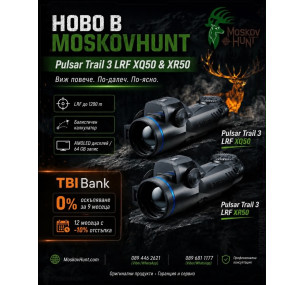
Thermal Scope Pulsar Trail 3 LRF XQ50 384x288 17µm LRF 1200m
2,500.00 € / 4,889.58 лв.
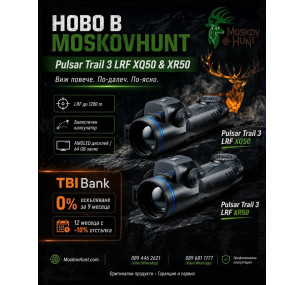
Thermal Scope Pulsar Trail 3 LRF XR50 640x480 12µm LRF 1200m
2,990.00 € / 5,847.93 лв.
 -36%
Pulsar Thermion 2 LRF XG60 76577 60 mm Thermal Scope
2,750.00 € / 5,378.53 лв. 4,268.00 € / 8,347.48 лв.
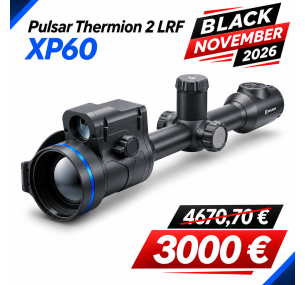 -35%
Pulsar Thermion 2 LRF XP60 76576 Thermal Scope – 60 mm, LRF
3,000.00 € / 5,867.49 лв. 4,640.00 € / 9,075.05 лв.
 -20%
Pulsar Thermion 2 LRF XQ50 Pro 76555 – Thermal Scope with LRF
1,990.00 € / 3,892.10 лв. 2,490.00 € / 4,870.02 лв.
 -23%
Pulsar Telos LRF XP50 77492 Thermal Monocular – 640×480, LRF
2,290.00 € / 4,478.85 лв. 2,990.00 € / 5,847.93 лв.
 -10%
Pulsar Thermion 3 LRF XR60 76589 Thermal Scope – 60 mm, LRF
3,499.00 € / 6,843.45 лв. 3,890.00 € / 7,608.18 лв.
 -8%
Pulsar Thermion 3 LRF XT60 76590 Thermal Scope
5,490.00 € / 10,737.51 лв. 5,990.00 € / 11,715.42 лв.